
Geekbox/RK3368 relis on Mouse as input device. By default, AOSP9 doesn’t show navigation bar.
Navigation bar is the software key bar which contains “Back” “Home” software keys.
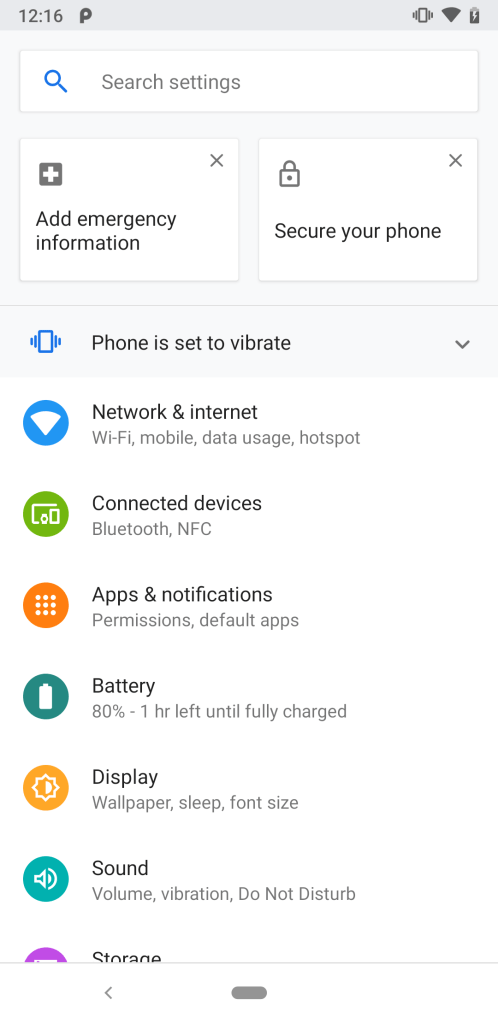
With navigation bar, there is no way to go back, or return to home screen.
To specify showing navigator bar,
create device/rockchip/rk3368/rk3368_box/overlay/frameworks/base/core/res/res/values/config.xml
And append
<!-- Whether a software navigation bar should be shown. NOTE: in the future this may be autodetected from the Configuration. --> <bool name="config_showNavigationBar">true</bool>This overlay config need to be specified by a BoardConfig.mk, since this is a rk3368 box, I put it in device/rockchip/rk3368/rk3368_box/BoardConfig.mk
DEVICE_PACKAGE_OVERLAYS += device/rockchip/rk3368/rk3368_box/overlay
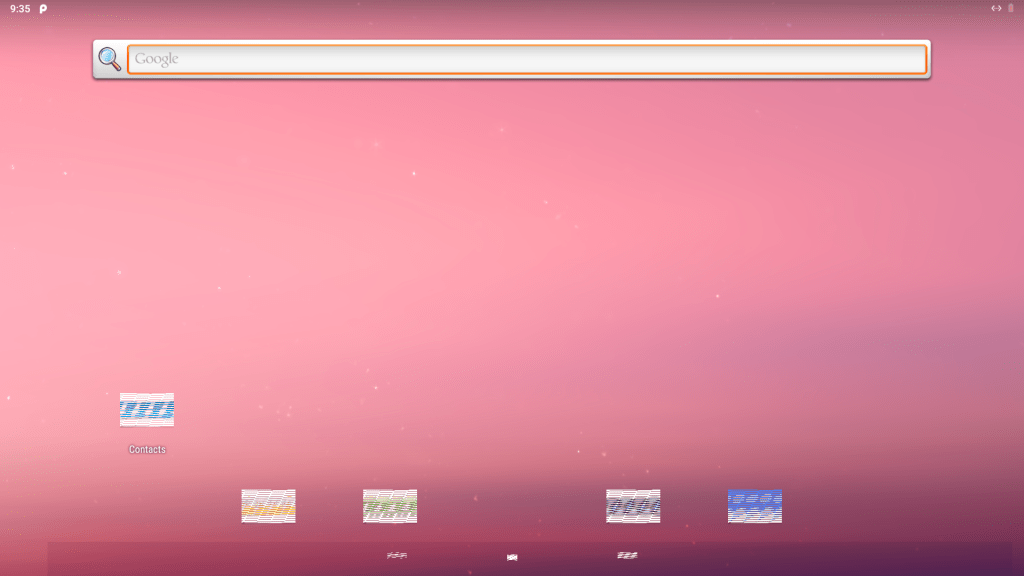
Rebuild system image and flash onto device, after reboot. There is navigation bar at the bottom. However, as for now, the key icon is not correct. Yet to be fixed.
 My Notes